
Checking facts
Check the facts KonvoLead read from your sources, switch on the ones that are right, and correct the ones that aren't.
Checked and not checked
| Not checked | Checked | |
|---|---|---|
| Where it comes from | Read from one of your sources | Someone on your team confirmed it |
| Does the agent use it? | Yes | Yes |
| Can a later document change it? | Yes | No, it's kept |
| Counts towards confirmed answers? | No | Yes |
The agent uses a fact as soon as it's read, so check prices, rates and charges first: the agent quotes them word for word. When any of these aren't checked, a yellow box at the top of the Answers tab lists them. Click Show only these to go straight to them.
Where facts are
Facts are on the project's Answers tab, under the buyer questions they answer. To get there with only the facts nobody has checked showing, click Check N facts on the project's card on the Knowledge page.
Each fact shows:
- its value,
- where it came from: a document (click its name to open it; the page is given beside it), the website, a video, your notes, typed in by your team, or worked out from other facts,
- On record since a date, or Checked by a person and a date,
- Edit and the switch: Not checked or Checked.
Some facts answer more than one question; they say what else they answer. Facts no buyer question asks about are listed at the end of their category, and the agent still uses them.
Check facts
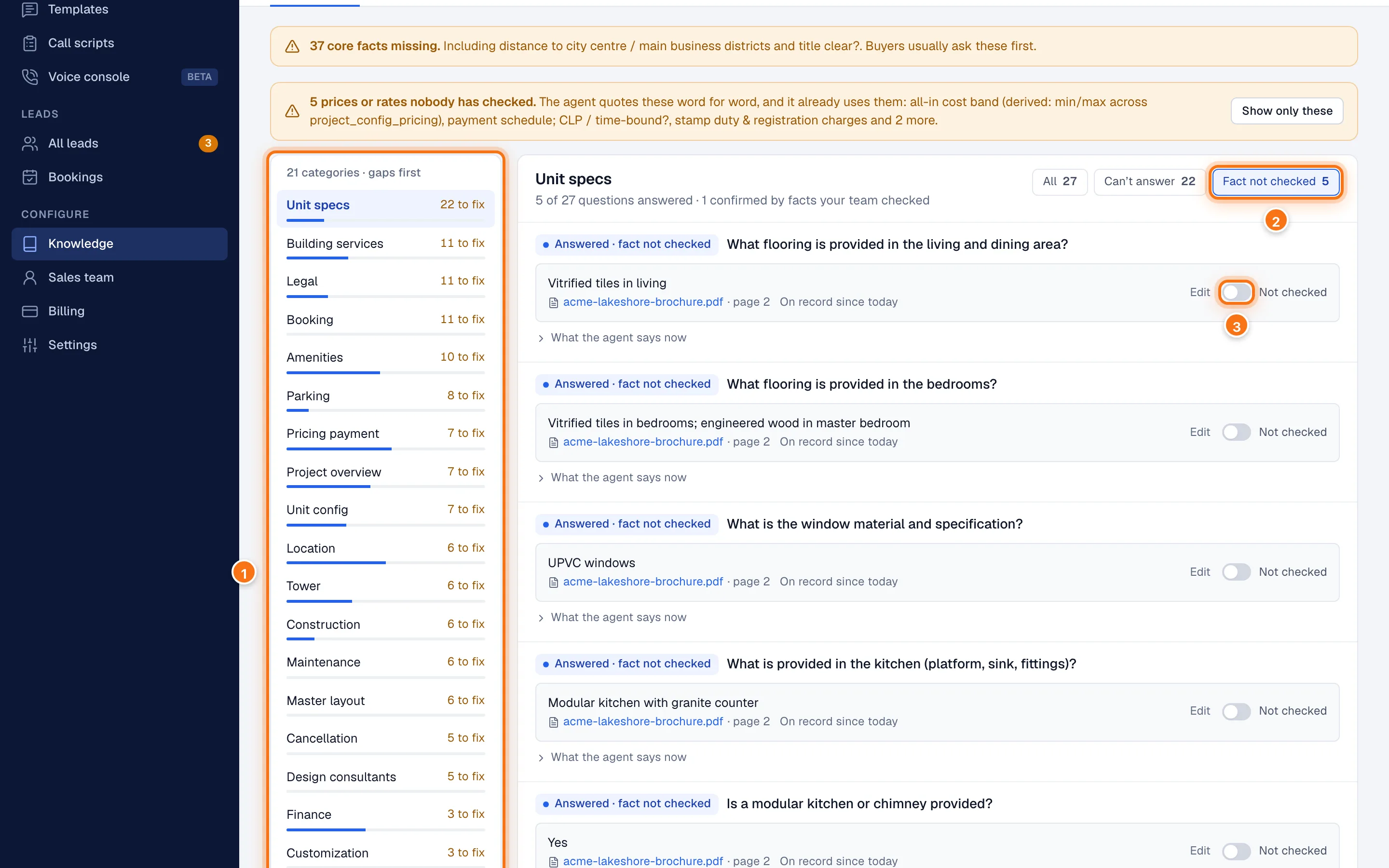
- On the Answers tab, pick a category on the left (1). Categories with the most to do come first.
- Click Fact not checked (2) to show only those.
- For each fact that's right, switch it on (3). A fact you switch on leaves this list straight away, but nothing is saved yet.
- When you've finished, click Save and rebuild these answers at the bottom.
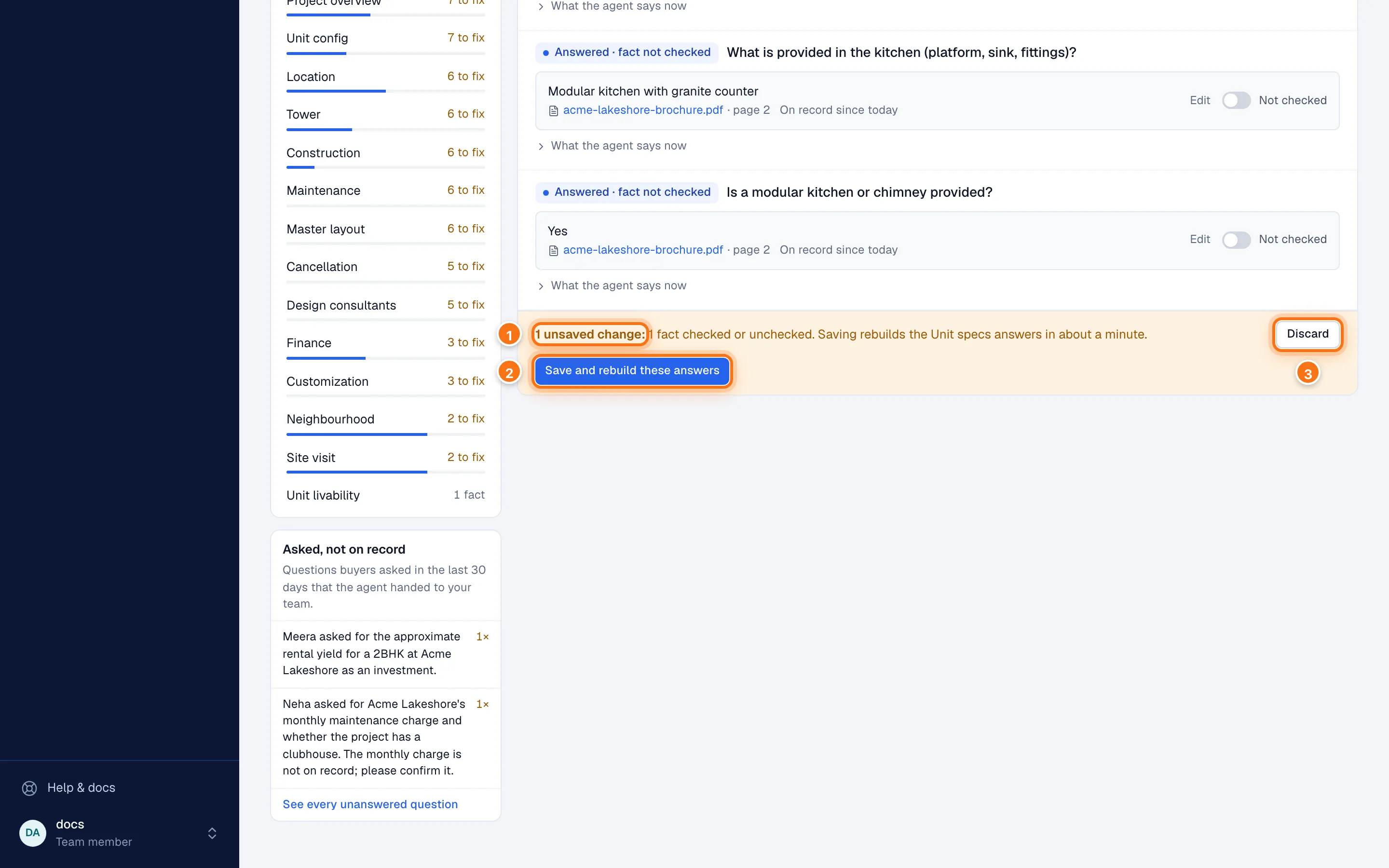
- The bar counts your unsaved changes and says which answers will rebuild.
- Save and rebuild these answers saves them all at once.
- Discard throws them away.
You'll see "Saved. The … answers rebuild in about a minute, and this page updates when they do."
Work through a whole category, then save once: it's quicker, and the answers rebuild once rather than after every fact. If you try to leave the page with unsaved changes, your browser warns you.
Correct a fact
Click Edit on the fact.
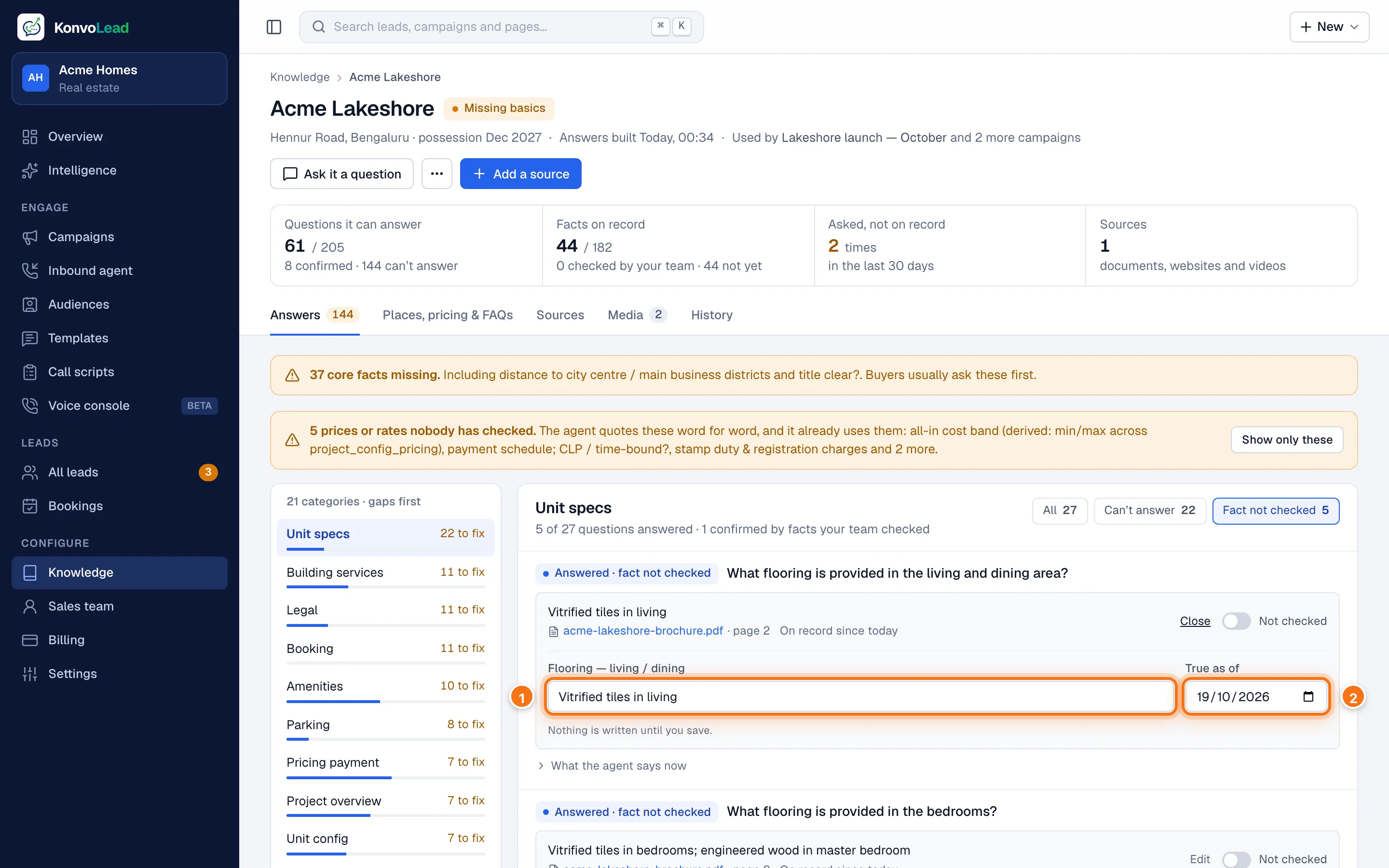
Change the value (1). It's now marked as typed in by your team rather than taken from a document.
Optionally, set True as of (2): the date the value was true.
Switch it on if it's now right.
Click Save and rebuild these answers.
To undo a change before saving, click Undo on that fact, or Discard in the bar.
Add a fact that's missing
When a question shows Can't answer, click Add the answer under it, type the answer, and save. See What the agent can answer.
After you save
- The fact changes straight away.
- A note under it says the agent will say the new value once the answers rebuild.
- The rebuild starts by itself and usually takes about a minute. The page updates when it's done.
Lists that aren't single facts
Places nearby, prices per configuration, variants and questions and answers have their own tab, Places, pricing & FAQs (the name depends on your industry). See Places, pricing and FAQs.